
Welcome to MoFaCTS
Last Updated: 2026-10-09
MoFaCTS, the Mobile Fact and Concept Training System, is a web-based adaptive learning system for practice, assessment, and research. It supports adaptive practice through cognitive memory models, Tutor Definition Files (TDFs), multiple stimulus types, and response modalities including multiple choice, fill-in-the-blank, and speech-recognition-based responses.
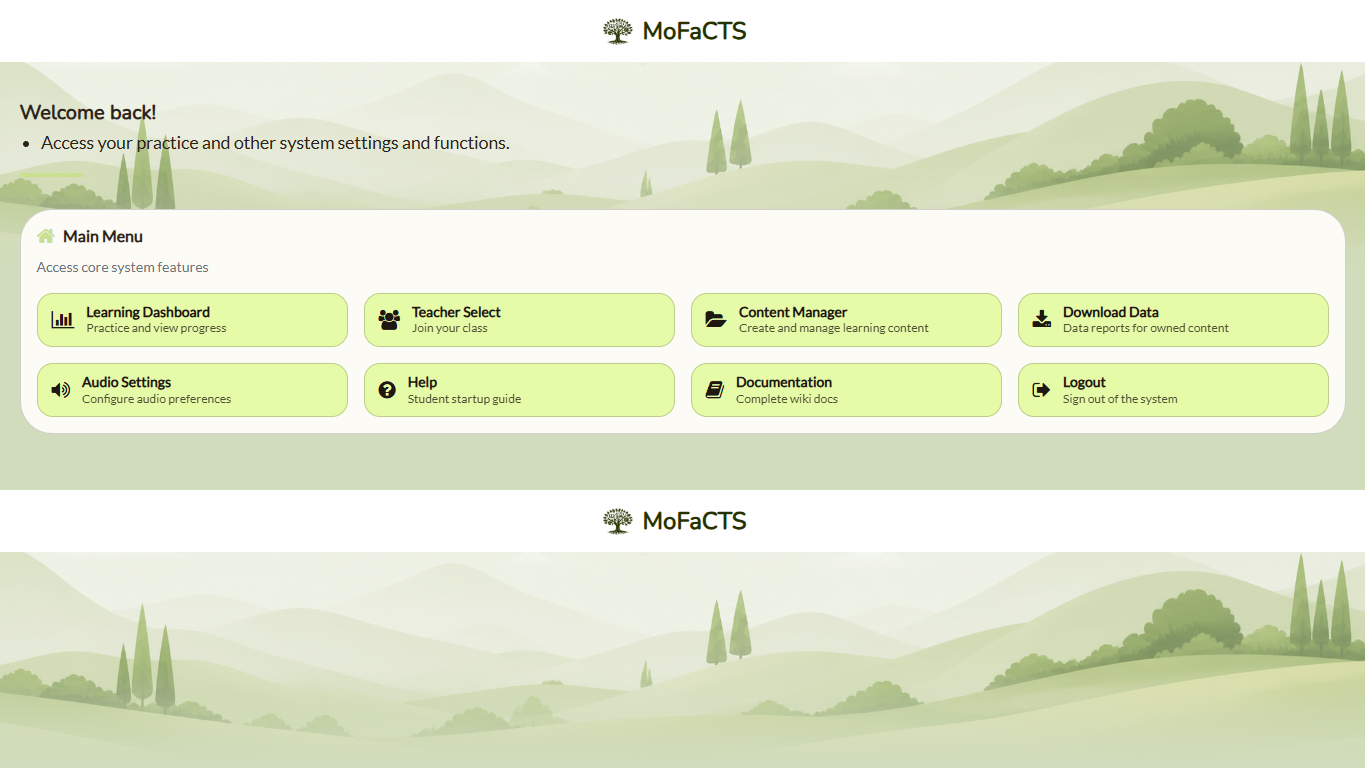
Start Here
Students
Student pages focus on signing in, finding assigned work, practicing, and getting basic help. They do not require deployment, source-code, or schema knowledge.
Teachers and Content Authors
Teacher pages focus on classes, assignments, lesson creation, testing, troubleshooting, and basic exports. Advanced schema references are linked only when they support authoring work.
- Teacher: First Hour
- Quick Start: Content Creation
- Class Setup and Assignment Workflow
- Anki Import Guide
- Content Creation Reference Tables
- Data Output
Advanced authoring:
MoFaCTS unit types include learning sessions, assessment sessions, video sessions, SPARC sessions (including AutoTutor dialogue), gaze calibration, and standalone instruction units. Unit-level instructions can also be attached to learning, assessment, video, or SPARC units. The original standalone AutoTutor runtime is removed.
- Introduction to TutorScript
- Learning Sessions
- Assessment Sessions
- Video Units and Adaptive Logic
- AutoTutor Sessions
- Stimulus Files
- Audio and Speech Settings
Experimenters and Researchers
Researcher pages explain reproducible study configuration, routes, schema concepts, data output, privacy/IRB/FERPA planning, and adaptive logic without assuming source-code access.
- Researcher Guide
- Data Output
- Data Privacy, IRB, and FERPA Notes
- Experiment Routes
- TDF field tables
- Gaze tracking prototype — local visual prototype; gaze data are not recorded.
- Learning Algorithms Reference
- Video Units and Adaptive Logic
- AutoTutor Sessions
Administrators and Deployers
Administrator pages cover deployment, runtime settings, operational validation, security posture, backups, and site-level help configuration.
- Deployment Guide
- Security Audit Operations
- Remote Install
- Settings-json Reference
- Admin Reference
- Custom Help Page Setup
- Troubleshooting
Developers
Developer pages assume code access and local development workflows. They are not normal student, teacher, or researcher reading paths.
- Local Install
- Developer Reference Guide
- Deployment Guide
- Settings-json Reference
- Learning Algorithms Reference
- Introduction to TutorScript
- AutoTutor Sessions
Need Help
- Use Troubleshooting.
- Use Glossary for terminology.
- Open an issue: GitHub Issues.