
Frequently Asked Questions (FAQ)
Last Updated: 2026-10-09 | Version: Current
Table of Contents
- General Questions
- For Students
- For Teachers and Content Creators
- For Administrators
- Troubleshooting and Support
General Questions
What is MoFaCTS?
See Home for a summary and Student Overview for details.
Who can use MoFaCTS?
- Students
- Teachers and content creators
- Administrators
- Researchers
Is MoFaCTS free?
The software is open source. Hosting and operations still have infrastructure costs.
What browsers are supported?
Best experience:
- Chrome
- Edge
- Firefox
Safari and iPhone WebKit browsers are supported for lesson audio features when the lesson enables audio, a valid speech API key is available, the site is loaded in a secure context (https), and microphone permission is granted.
For Students
How do I start practicing?
- Log in.
- Open the learning dashboard.
- Choose a lesson and click Start/Continue.
See Student Overview.
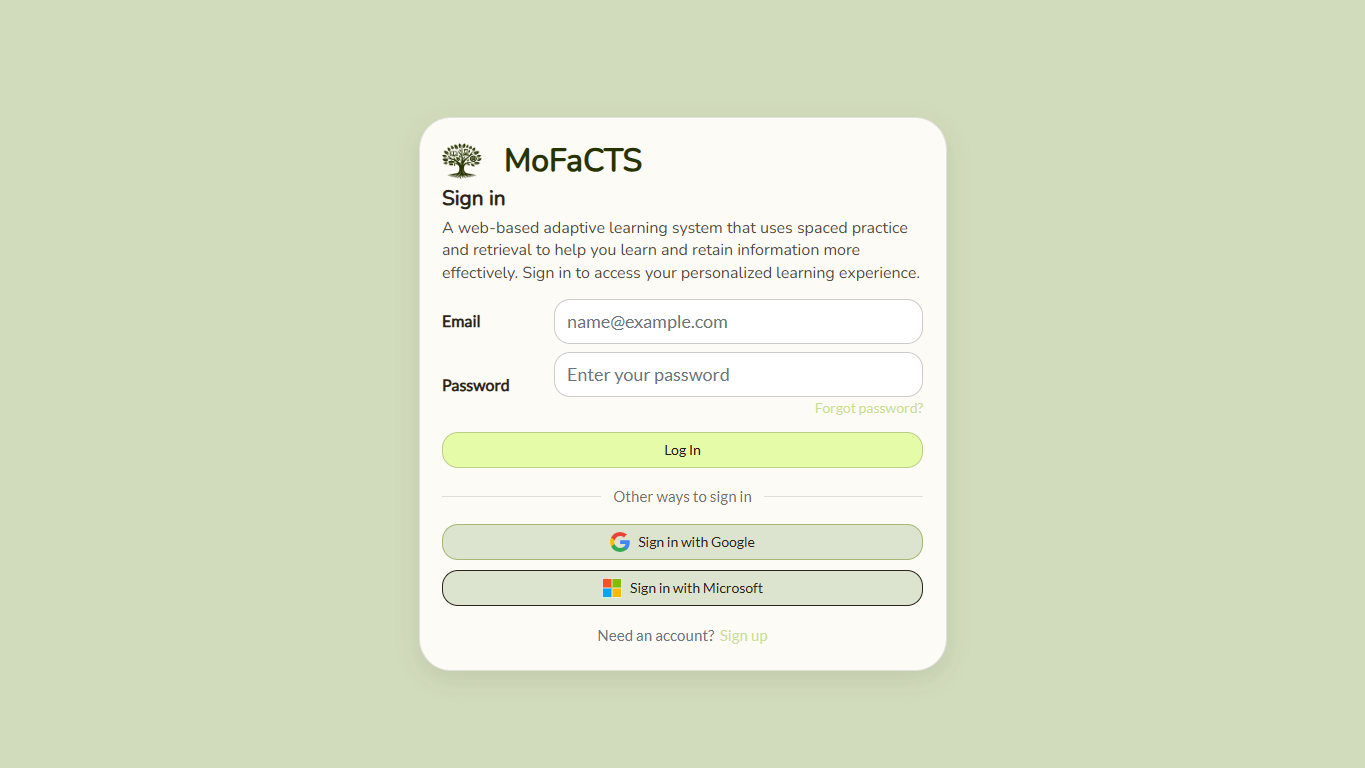
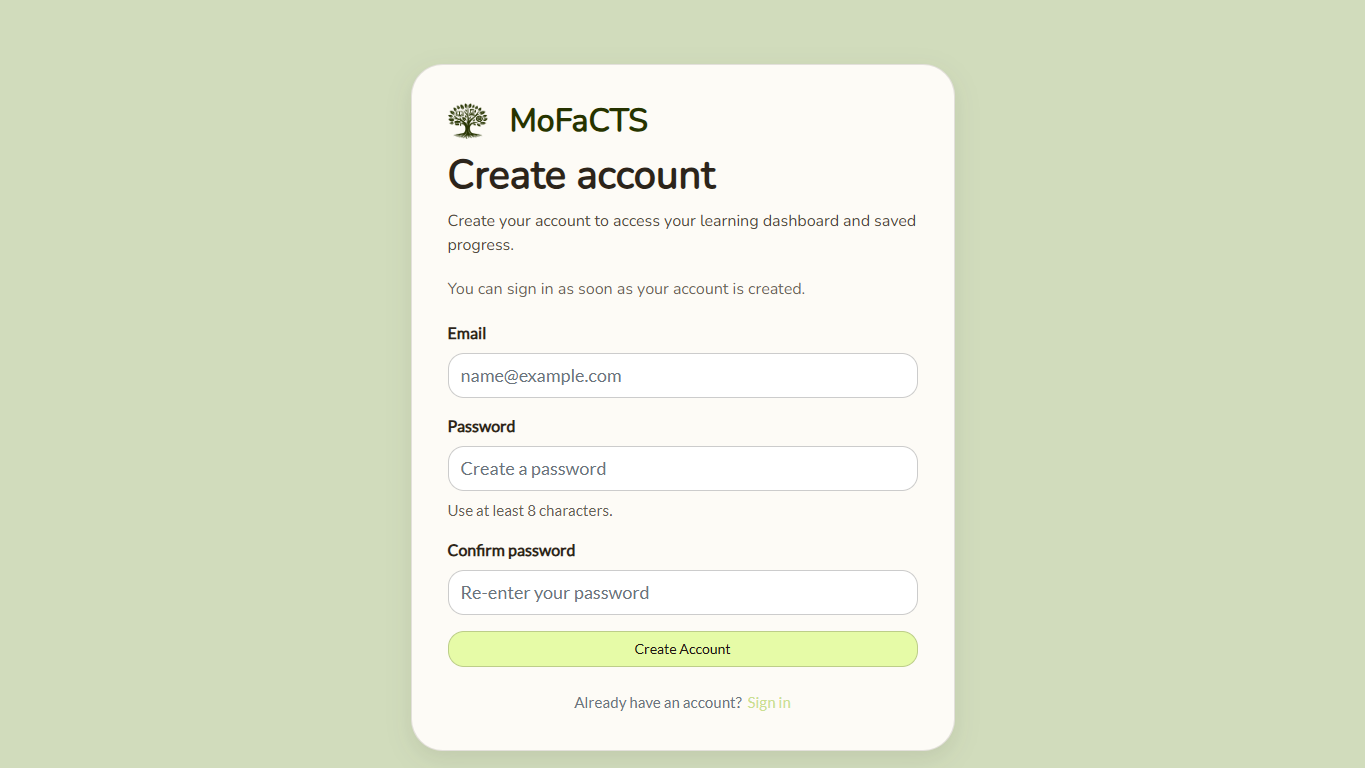
How do I create an account?
Use the sign-up link on the sign-in page when your MoFaCTS site allows public account creation. Some deployments create accounts through instructors, administrators, or experiment links instead.
Submit the sign-up form by choosing Create account or pressing Enter in a form field.
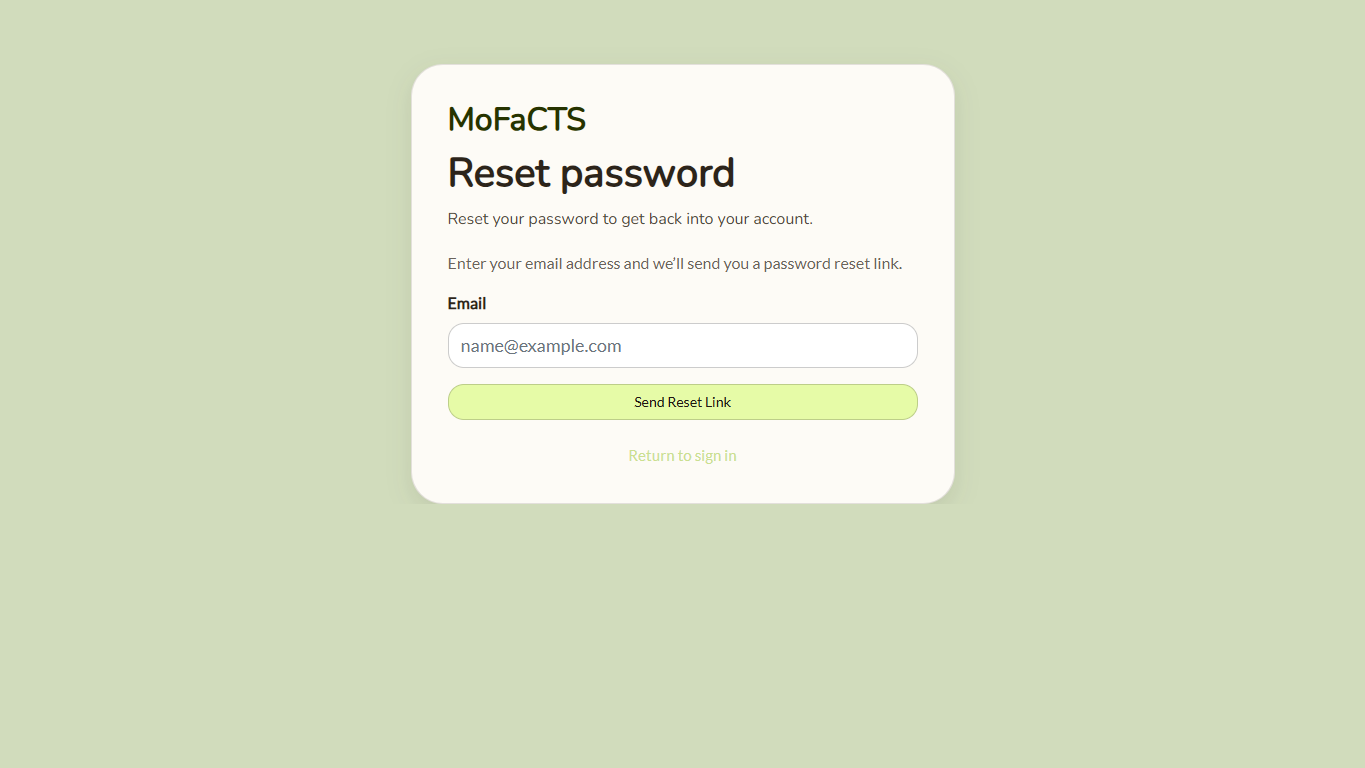
What if I forget my password?
Use Forgot password? from the sign-in page. Enter the email address for your account and follow the reset link sent by the system.
Why do repeated questions appear?
This is expected in adaptive practice. Harder items reappear more frequently until mastery improves.
Can I use speech input?
Yes, if your instance/lesson supports it and browser permissions are granted.
See:
For Teachers and Content Creators
How do I create my first lesson?
Start with Quick Start: Content Creation, then use Content Creation Reference Tables when you need the full field reference.
What is the difference between TDF and stimulus files?
- TDF defines lesson structure and behavior.
- Stimulus file contains prompts, answers, and media references.
How do I export student data?
See Data Output.
For Administrators
This section is for site operators, not students. Students should use the student questions above or ask their instructor/site support contact.
What are minimum infrastructure requirements?
See the administrator/deployer lane in the sidebar for deployment and production requirements.
Where is current deployment guidance?
Use the administrator/deployer lane in the sidebar. The canonical pages are Remote Install, Deployment Guide, and Settings.json Reference.
Where does settings.json live in current deployments?
- Compose mounts the private settings file named by
METEOR_SETTINGS_HOST_PATHat/run/mofacts/settings.json. - Container startup loads that file through
METEOR_SETTINGS_FILE; it is not baked into the image. - See the Settings.json Reference and Deployment Guide in the administrator/deployer lane.
Is there a health endpoint for uptime checks?
Yes. Use:
curl -fsS https://your-domain.example.edu/health
See the Deployment Guide in the administrator/deployer lane for monitoring baseline guidance.
How should backups be handled?
Follow the production runbook and schedule recurring DB backups with restore drills.
Troubleshooting and Support
For all operational and technical issue triage, use:
Then escalate to: